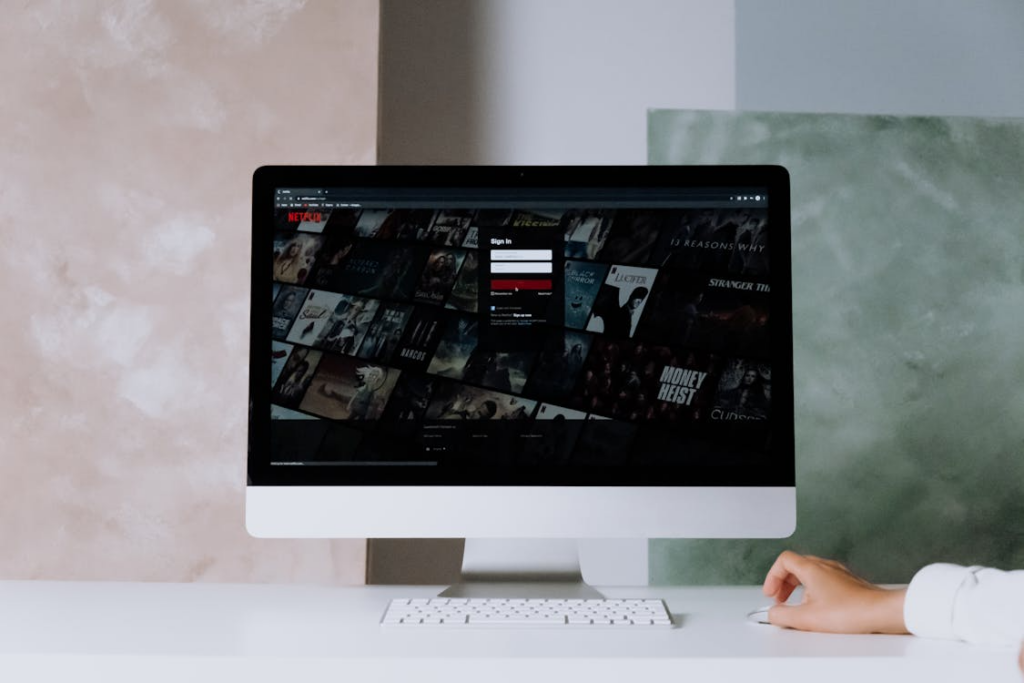
A smart streaming setup should feel useful, affordable, and manageable, not exhausting.
Streaming was supposed to simplify entertainment. Instead of paying for massive cable bundles, viewers could subscribe only to the services they actually wanted. But over time, the opposite problem emerged. Many households now juggle five, six, or even ten streaming subscriptions at once, creating a confusing mix of overlapping content and rising monthly costs.
This phenomenon is often called streaming overload. With so many platforms competing for attention, many viewers end up paying for services they barely use. The solution is not necessarily cutting everything. The solution is learning how to evaluate streaming subscriptions more intentionally.
Start by Tracking What You Actually Watch
Most people overestimate how much they use their streaming subscriptions. A platform may feel essential simply because it once hosted a favorite show, even if it hasn’t been used in months.
The best starting point is reviewing actual viewing habits. Over the course of one or two weeks, pay attention to which apps you consistently use and which ones mostly sit untouched on your TV menu.
Some services naturally become daily or weekly staples. Others may serve only a single franchise or an occasional movie release. Identifying that difference helps separate “active value” from passive spending.
If a platform is rarely opened, it becomes a strong candidate for cancellation or temporary rotation.
Learn How to Track Your Streaming Spending Like a Pro before cutting services.
Evaluate Cost Versus Viewing Time
One useful way to judge streaming value is to calculate the cost per hour watched. A $15 service used every day may deliver excellent value, while a $10 subscription opened once a month may not.
This approach removes emotional attachment from the decision-making process. Instead of asking whether a service has good content in general, ask whether it delivers enough value specifically for your household.
Some viewers discover they are spending heavily on niche subscriptions simply because they forgot to cancel after finishing one series. Others realize they are maintaining multiple platforms with very similar libraries.
Streaming services compete aggressively for attention, but not every service deserves a permanent place in your monthly budget.
Separate “Must-Have” Services From “Nice-to-Have” Services
Not every subscription deserves equal status. A practical framework divides platforms into two categories.
The first category is “must-have” services. These are platforms that provide content your household consistently uses, such as live sports, children’s programming, or a favorite ongoing series lineup.
The second category is “nice-to-have” services. These are platforms you enjoy occasionally but could comfortably pause for several months without significantly affecting your entertainment habits.
This distinction matters because many viewers keep optional subscriptions running year-round out of convenience. Streaming flexibility only saves money if you actively use it.
Temporary cancellations are now a normal part of modern streaming behavior. Most services make it easy to leave and return later.
Read Streaming Burnout: Why Too Many Choices Can Cost You More before keeping extras.
Watch for Content Overlap
One of the hidden problems with streaming overload is content redundancy. Many platforms now compete in similar categories, especially movies, reality TV, documentaries, and crime dramas.
If two or three services deliver largely the same kind of entertainment you enjoy, keeping all of them active may not make financial sense.
For example, a household that primarily watches prestige dramas may not need several premium services simultaneously. Reality TV fans may find enough content concentrated on one or two platforms instead of four.
The goal is not to maximize the number of subscriptions. The goal is to maximize usefulness while minimizing waste.
A smaller, carefully selected streaming stack often delivers a better viewing experience than an oversized collection of barely used apps.
Check Streaming Services With the Best Movie Libraries Right Now before keeping similar platforms.
Don’t Forget Free Alternatives
Many viewers overlook free streaming services when evaluating paid subscriptions. Platforms like Tubi, Pluto TV, Roku Channel, and Freevee now offer surprisingly large libraries of movies, classic television, live channels, and niche programming.
Free services can often replace low-priority subscriptions entirely. They work especially well for casual viewing, background entertainment, or older content libraries.
Some households discover they can cancel one or two paid subscriptions without feeling much difference, simply because free platforms already fill many of those viewing gaps.
This becomes especially important during months when entertainment spending needs to stay lower.
Explore The Ultimate Guide to Free Streaming Services for free options.
Create a Simple Review Schedule
Streaming overload tends to happen gradually. Subscriptions accumulate over time until the monthly bill feels surprisingly large.
A simple solution is scheduling regular streaming reviews every two or three months. During that review, ask a few basic questions.
Which services were heavily used? Which ones barely got opened? Are any subscriptions tied to shows that already ended? Did free services cover more viewing than expected?
This habit prevents forgotten subscriptions from quietly draining money month after month.
Streaming should feel flexible and customizable, not financially bloated. By focusing on actual viewing habits, rotating strategically, and cutting unnecessary overlap, most households can dramatically simplify their entertainment setup without sacrificing the content they enjoy most.